

Making API Requests Directly from the ClientMaking requests directly from a client application exposes your Client ID and Client Secret, which can lead to your account being compromised. DO NOT expose your client ID or Client Secret to any client-side application.
Basic Authentication
- Log into Network Manager and go to Settings > Developers.
-
Choose your existing API client or create a new one by typing in a “Client Name” and clicking on the
Create API Clientbutton.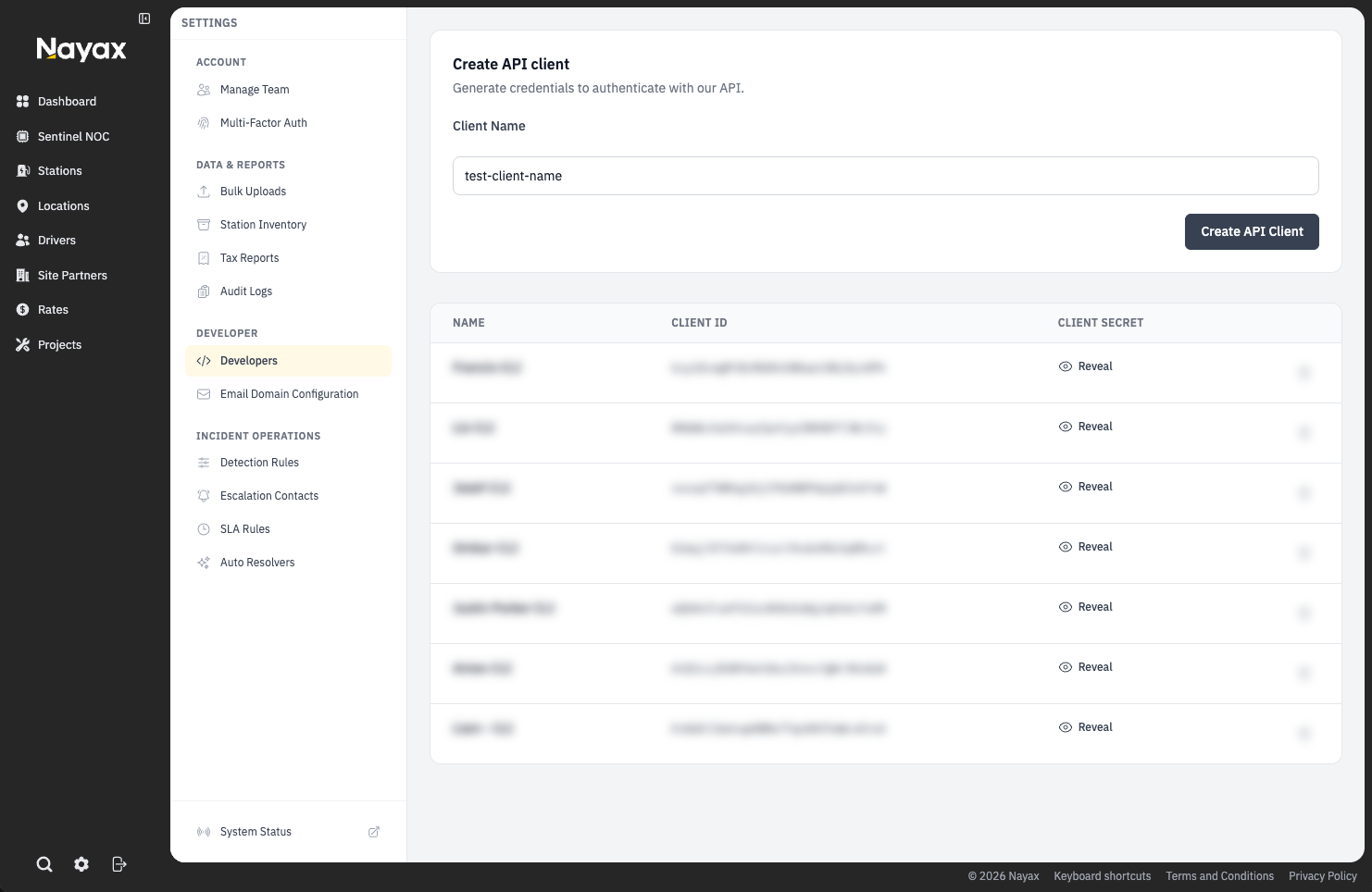
-
Copy the
Client IDandClient Secretand store them in a safe place. You will need them to request a token. -
Use your
Client IDandClient Secretto request an authorization from Nayax Energy Core’s OAuth2 client credentials token route (https://lynkwell-prod.us.auth0.com/oauth/token). This request will return anaccess_tokenthat can be used to authorize future API requests. Example Request:Example Response: -
Include the
access_tokenin theAuthorizationheader of your API requests in the formatAuthorization: Bearer ACCESS_TOKEN. Example Request: