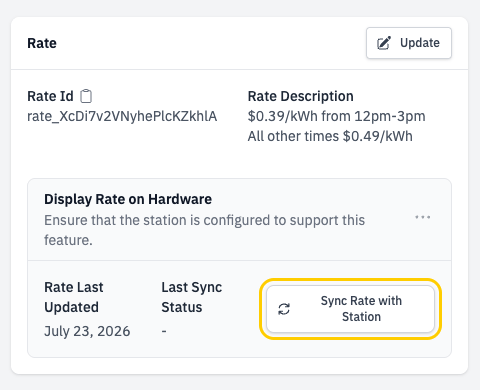
- Display more complex pricing structures on the charging station
- Real-time display of running costs during charging sessions
- Present the final cost at the end of a charging session
For OCPP 1.6 stations: Refer to the station hardware’s manual for compatibility and instructions on enabling this feature
For OCPP 2.0.1 stations: No additional configuration should be necessary, as this should be part of the base protocol on the station
Setting Rate On a Station
- In Network Manager, navigate to
Stations, select the station, and find theRatesection - Click Update, then search for and select one of the available rates.
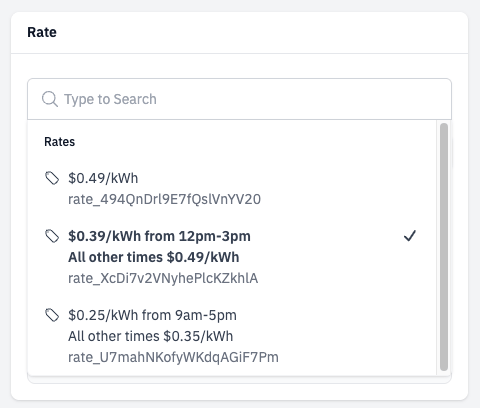
- Save your changes
- In the
Display Rate on Hardwarepanel, click the Sync Rate with Station button