

Prerequisites
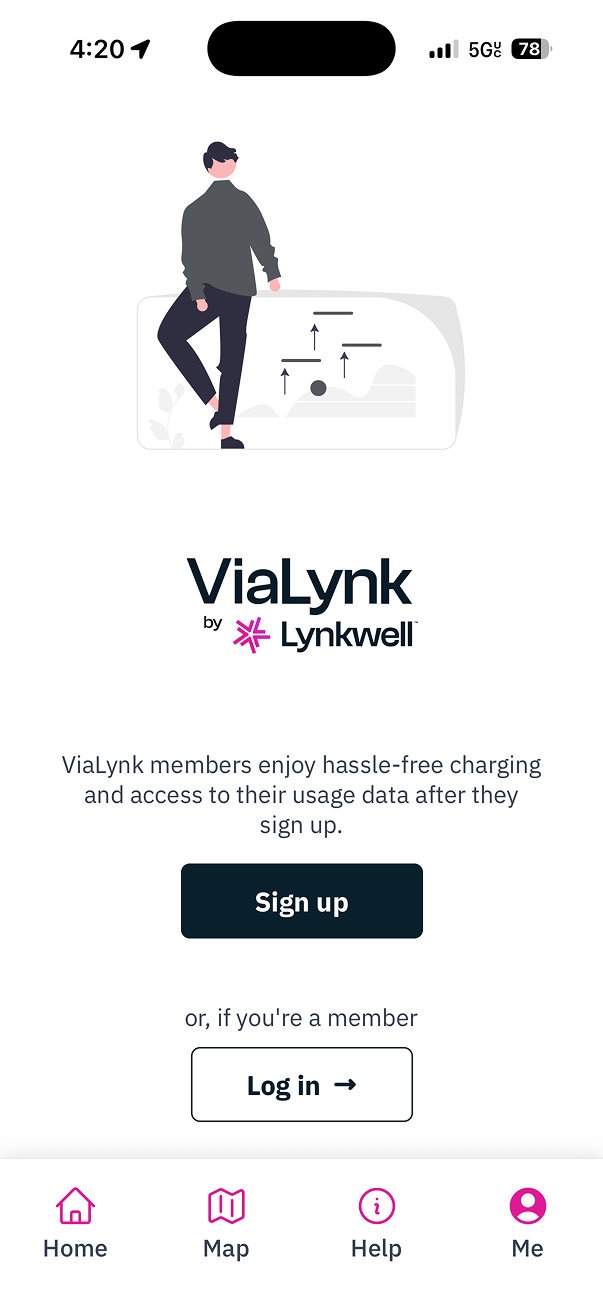
- Download the mobile app
- Log in to an existing account or create a new account
Steps
-
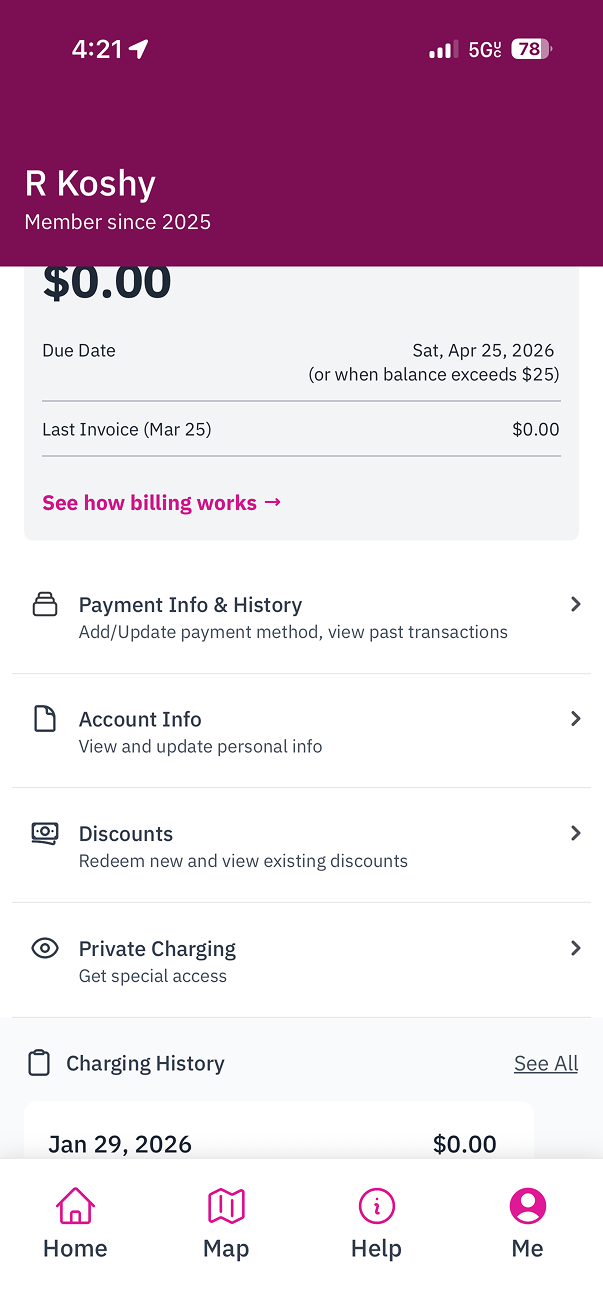
Select the
Metab in the bottom navigation bar. -
Select
Discountsto navigate to the Discounts screen.
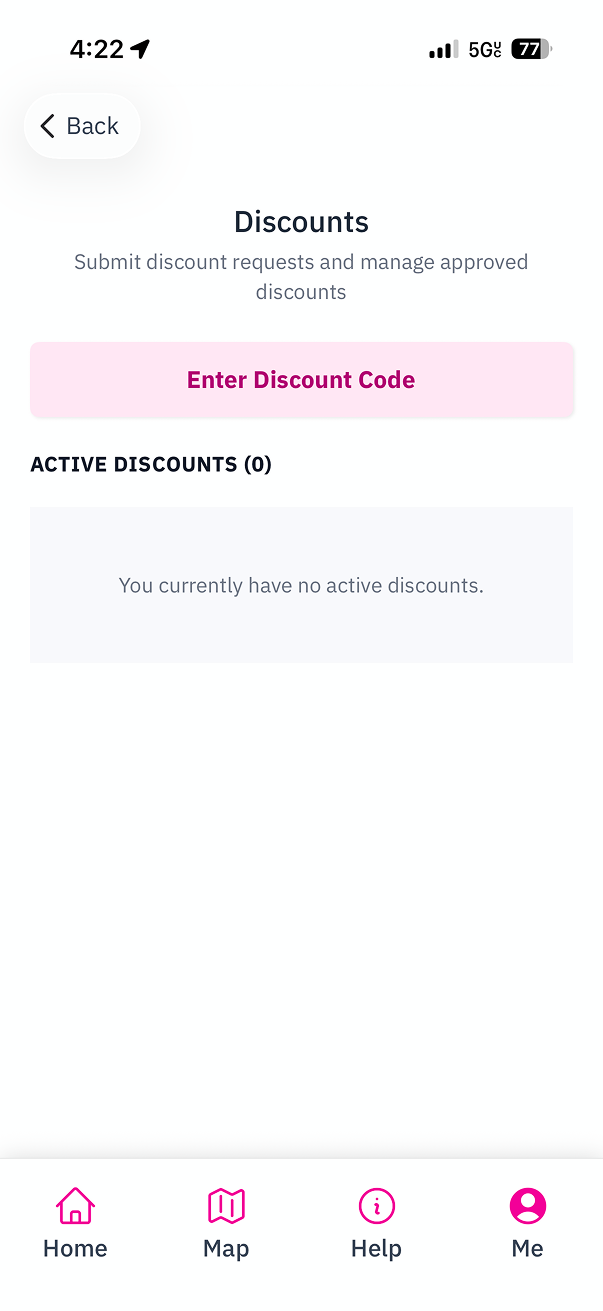
- Tap the
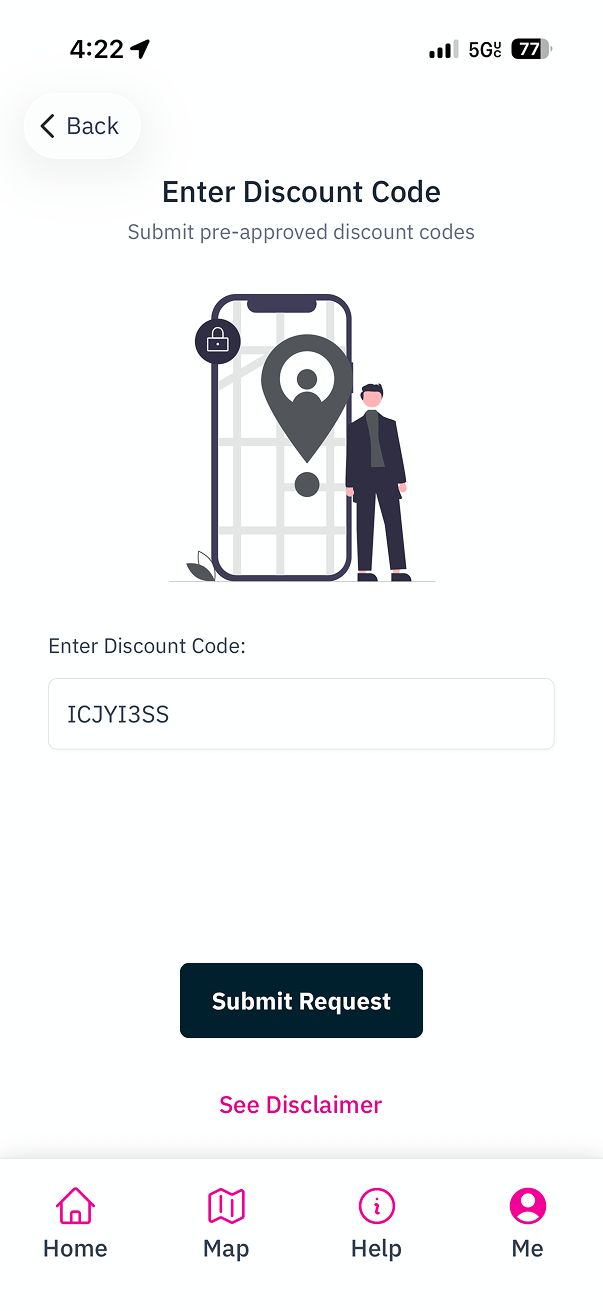
Enter Discount Codebutton.
- When you submit a discount code, the Station Owner gets access to the following personally identifiable information: your Name, Email, and Phone Number. You will need to agree to these terms before proceeding.
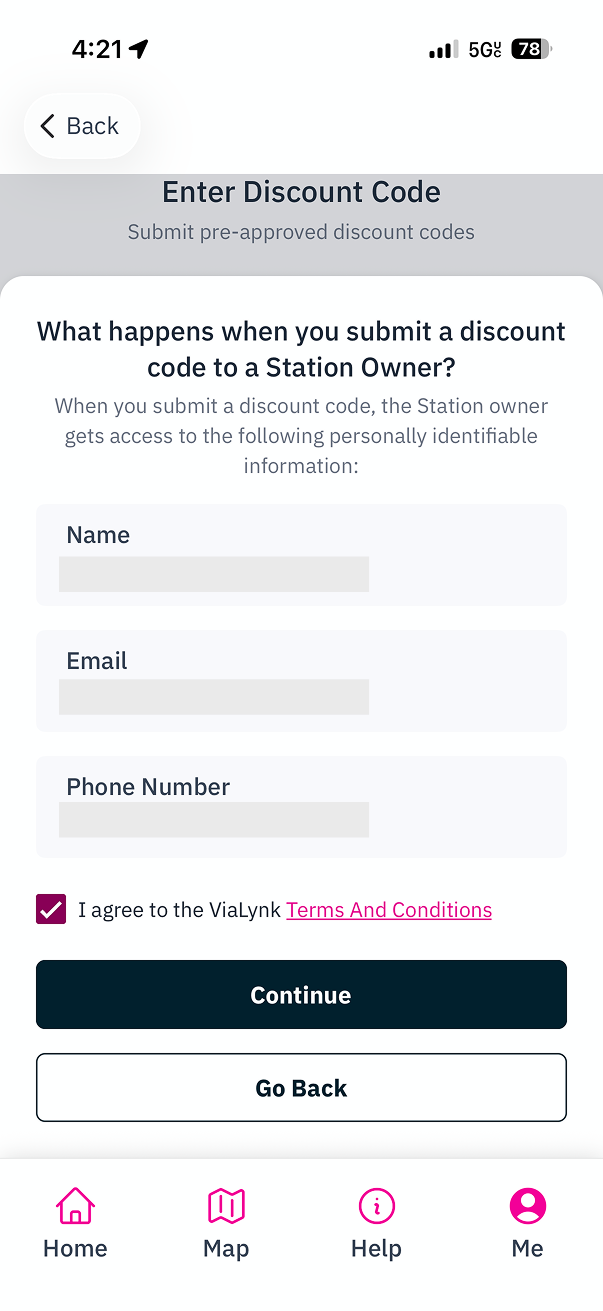
Submit Request.
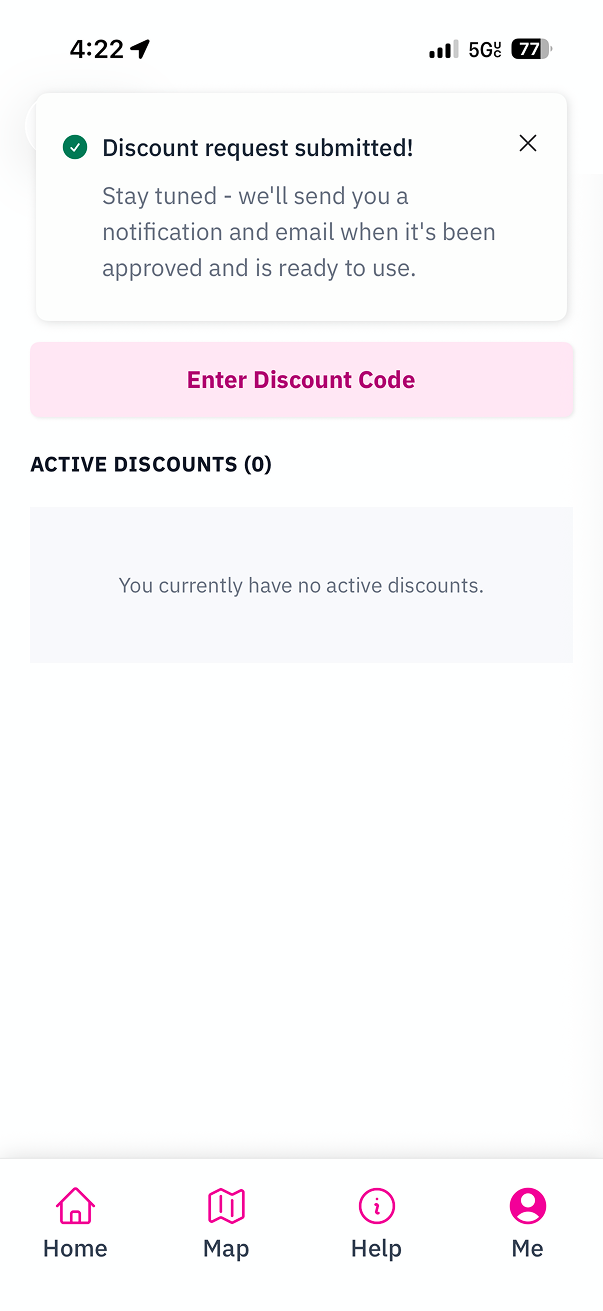
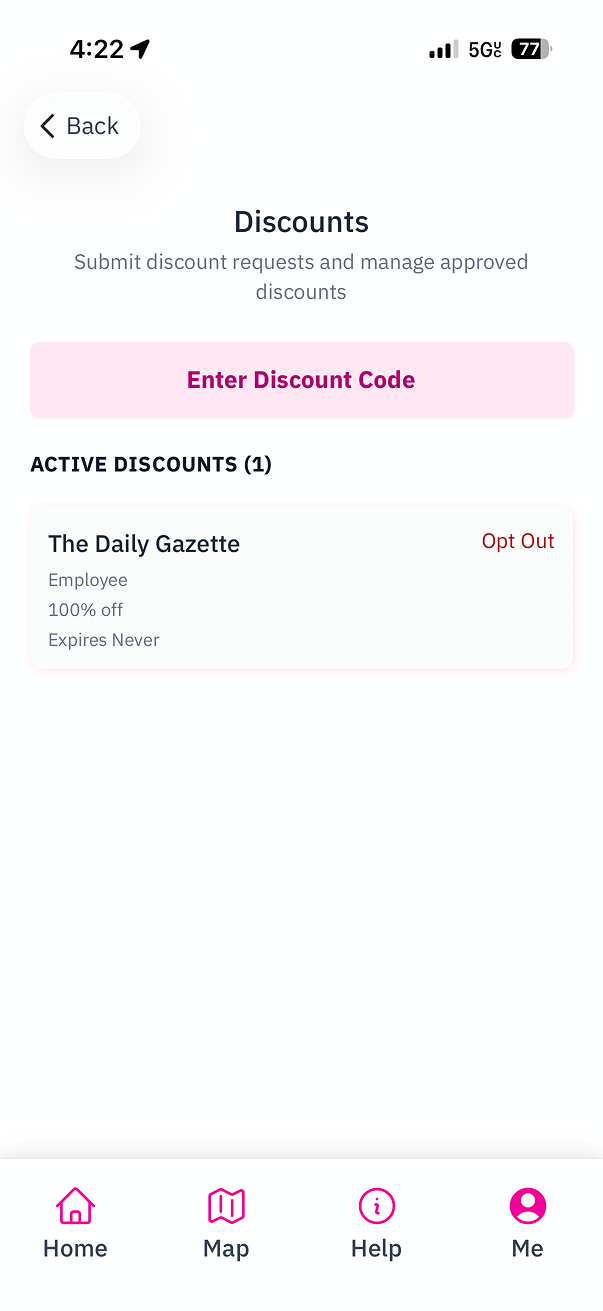
- You will see a confirmation message that your discount request has been submitted.
Related Guides:
Create an Account in Mobile App
A guide for drivers on creating an account in our Mobile App.
Create Driver Discounts
A guide for Site Hosts on creating discounts for drivers via Site Manager.